For a Christmas ecard on WhatsApp, use your own photos and make them move. On Tangy Limes, you upload one photo, the faces are cut out and put on dancers, and they sing an original Christmas song in a short video, mouths moving to the words. Then you send it to the chat two ways: as a share link, or as an MP4 video.
Here's which to use, which card to pick, and what to type with it.

Two ways to send it on WhatsApp
As a share link. On the card page, make a share link and paste it into the chat. It's a plain web page (tangylimes.com/c/ and then some letters) that plays the card. Nobody installs an app, makes an account or signs in. Use this for big family groups, where some people are on old phones and some are on new ones and one person is somehow on a tablet.
As a video. Download the MP4 and send it like any other video from your phone. Use this for Status, or for the relative who never taps links because a cousin told them not to. That cousin was right, by the way. Our guide to sending an ecard by text has more on links versus files.
Pick the right shape. Cards save as 16:9 (wide), 9:16 (tall), 1:1 (square) or 4:5. For WhatsApp chats and Status, save it tall. If someone's going to play it on the TV at Christmas dinner, save a wide one as well.
Christmas ecards with photos: which card
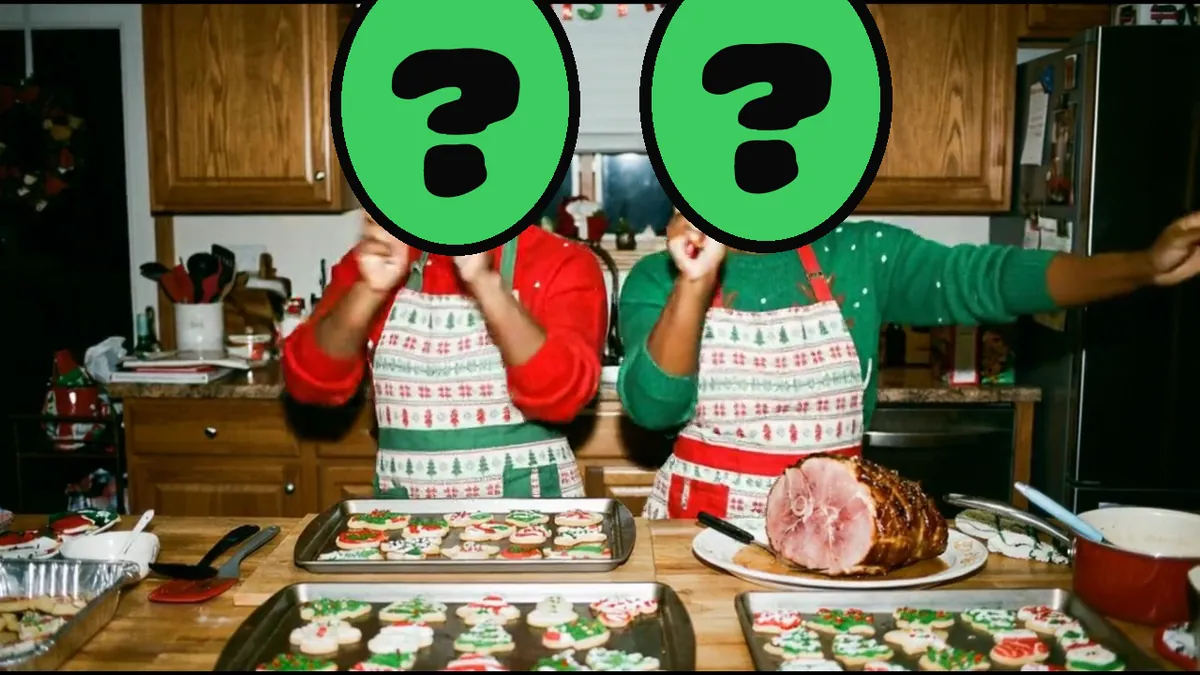
Merry Christmas is made tall for phones and works with one face or two. A living room with a giant glowing tree, a snowy street strung with lights, a kitchen with a gingerbread house, and stockings by the fireplace. It's the one for Status.
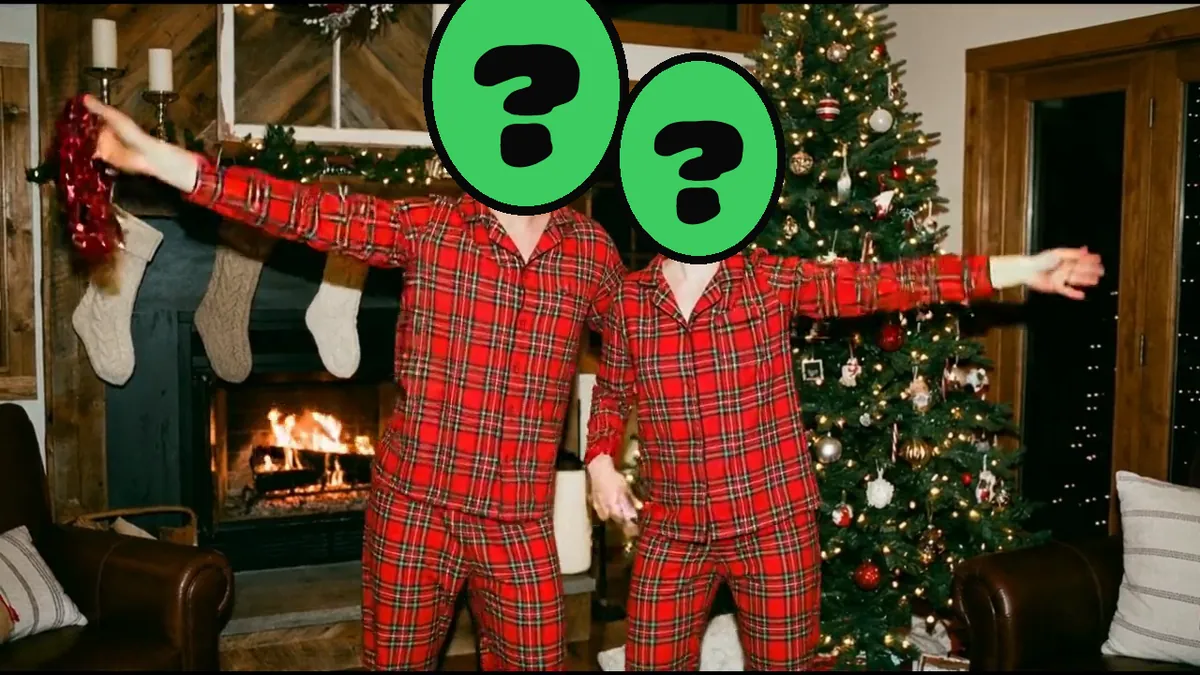
Merry & Bright fits four: matching green pajamas by a tree with gold lights, a kitchen full of cookies, a snowy yard at night and a gospel choir. Holly Jolly Family also fits four, in plaid pajamas by a huge tree, then a front yard with far too many inflatable snowmen.
Meowy Christmas fits two people and two pets. Dog and cat faces in your photo are found too, and they go on dancing animals in Santa suits and reindeer antlers.

Merry Christmas
1 or 2 people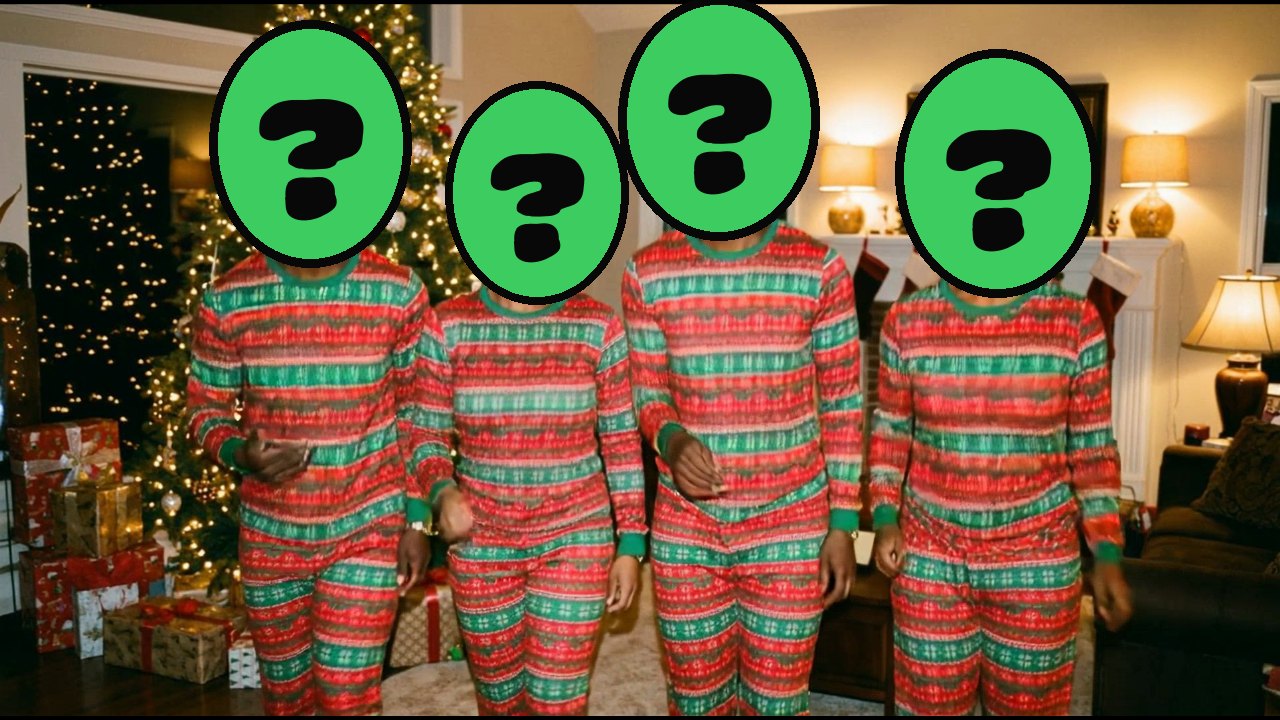
Merry & Bright
4 people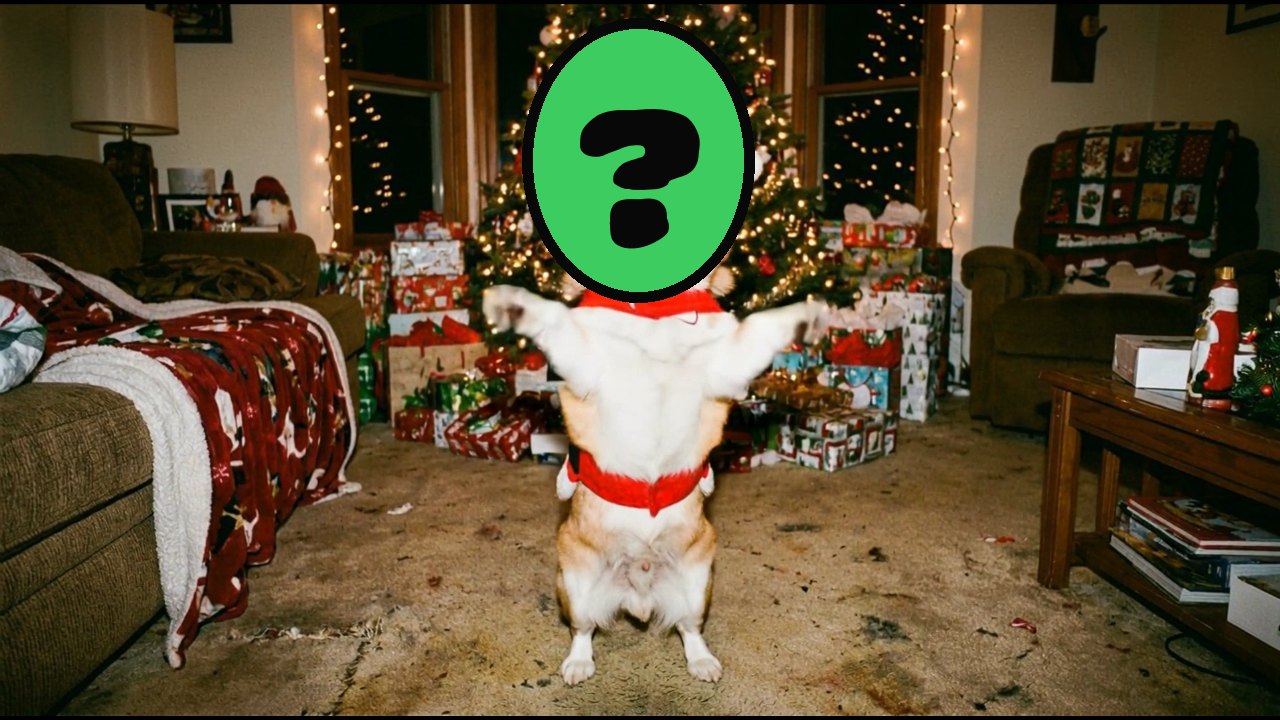
Meowy Christmas
2 people + 2 pets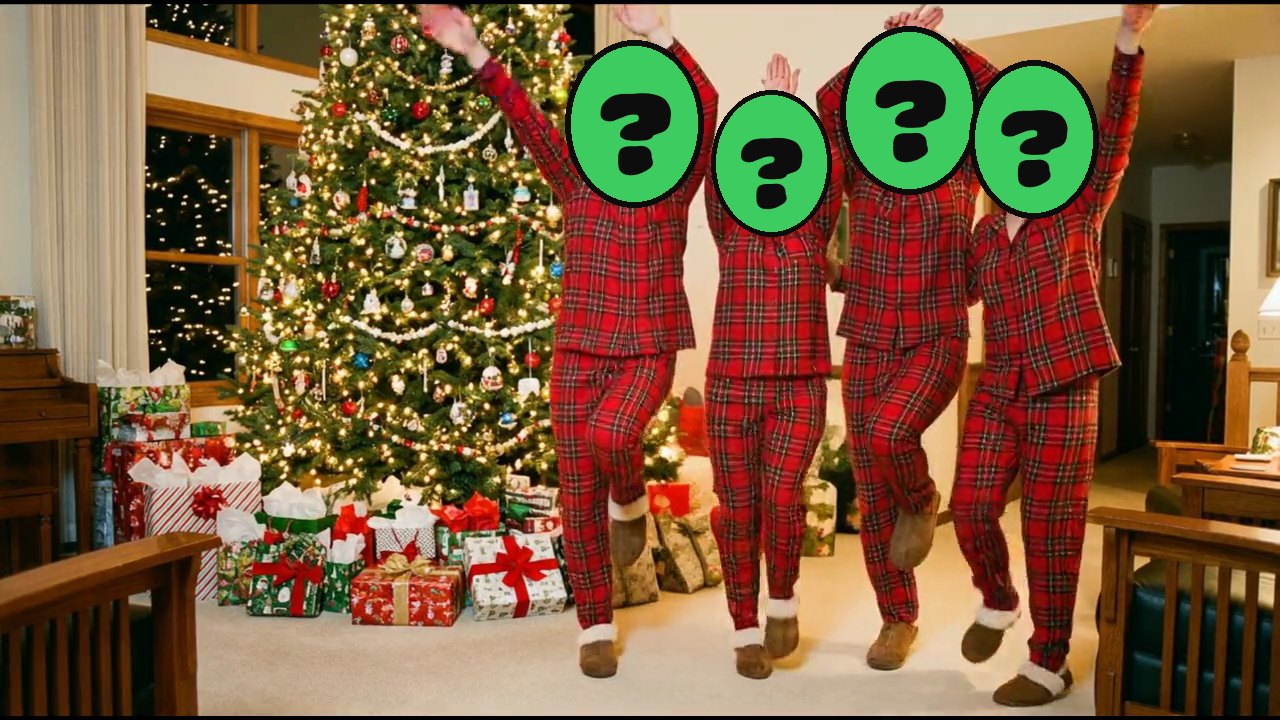
Holly Jolly Family
4 peopleOne family photo usually covers it. You tap to choose who dances where, type the names for the intro, and watch the free preview with your family in it. The faces are real cutouts with no AI changes, and only the mouths move. If a head looks too big, shrink it. If somebody's hair got clipped, paint it back in. For a big family on one chat, there's more on that in one Christmas card for the whole family group chat.
What to type with it
The card does the talking, so the message can be short. Some to paste:
- Merry Christmas from all of us. Yes, that's really Dad dancing.
- We made you a Christmas card. Sound on.
- Feliz Navidad from the family. Watch till the end.
- Merry Christmas! Grandma, tap the link, it's safe, it's us.
- Our Christmas card this year. We're not taking questions.
- Missing you this Christmas. Here's the next best thing: us, singing, badly.
- Merry Christmas to the group. Whoever's on the left, I'm sorry.
- Happy holidays from the four of us and the dog, who is the star.
You can also rewrite the card's big headline. MERRY CHRISTMAS FROM THE GARCIAS works. So does MERRY CHRISTMAS, WE'RE NOT COMING TO DINNER, if you're ready for the replies.
The preview is free, so you can make it tonight and decide later. Keeping the card is $1.99, with no subscription. Post it early on Christmas morning, before the chat fills up with photos of wrapping paper.